
Welcome to iCloud Project
Enlighten your knowledge about iCloud and Databases

Databases and iCloud
iCloud relies on cloud databases to manage and store user data across devices. It’s a part of Apple’s broader cloud ecosystem, enabling storage and synchronization of files, photos, app data, device backups, contacts, and more.
- iCloud Drive acts like a traditional cloud storage system (similar to Dropbox or Google Drive), allowing users to organize and access their files.
- Apple's infrastructure supports Core Data with iCloud, a system developers can use to sync app data through iCloud’s database storage.
- iCloud's databases automatically update in real time to reflect changes made on any connected device, ensuring a consistent experience.







Details
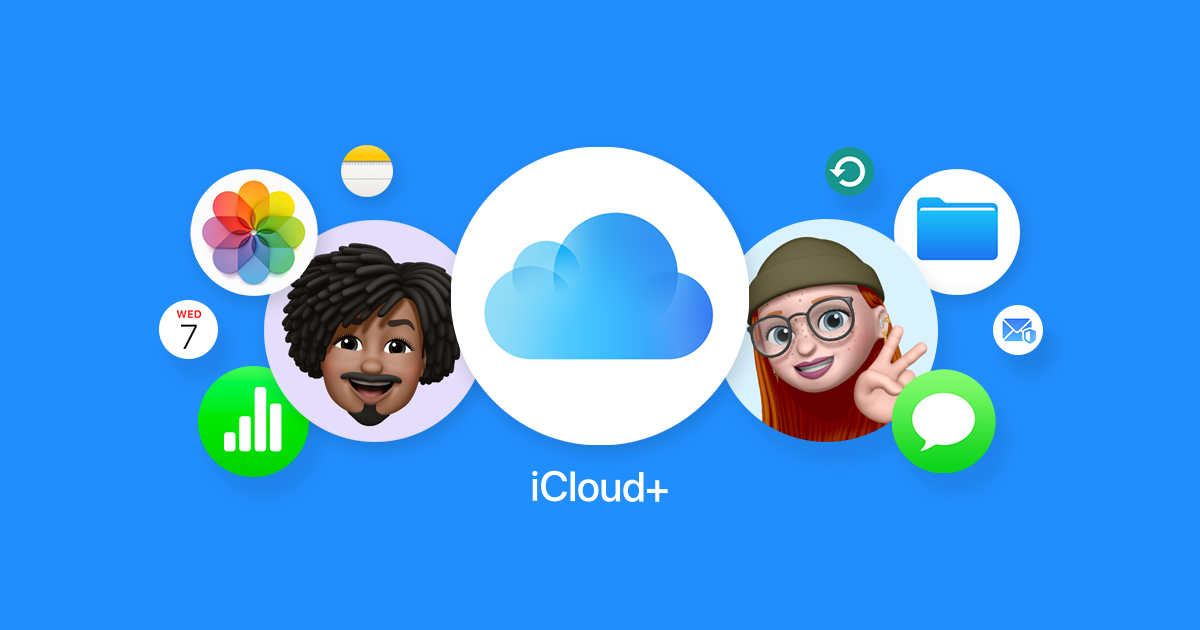
iCloud is Apple’s cloud-based service that allows users to securely store and synchronize their data across devices, including iPhone, iPad, Mac, and Windows PCs.


Data Sync
Data synchronization is one of iCloud’s core features, providing seamless access to information across all Apple devices.
How it works
When you edit a document, update a contact, or add a calendar event on one device, iCloud syncs the changes instantly across all devices connected to the same Apple ID.
Learn MoreWhere it applies
This sync capability extends to Photos, Notes, Reminders, Safari bookmarks, and even third-party apps that support iCloud integration.
Learn MoreWhere it is helpful
Automatic backup and restoration via iCloud ensures that when setting up a new device, users can retrieve everything almost effortlessly.
Learn MoreFind my
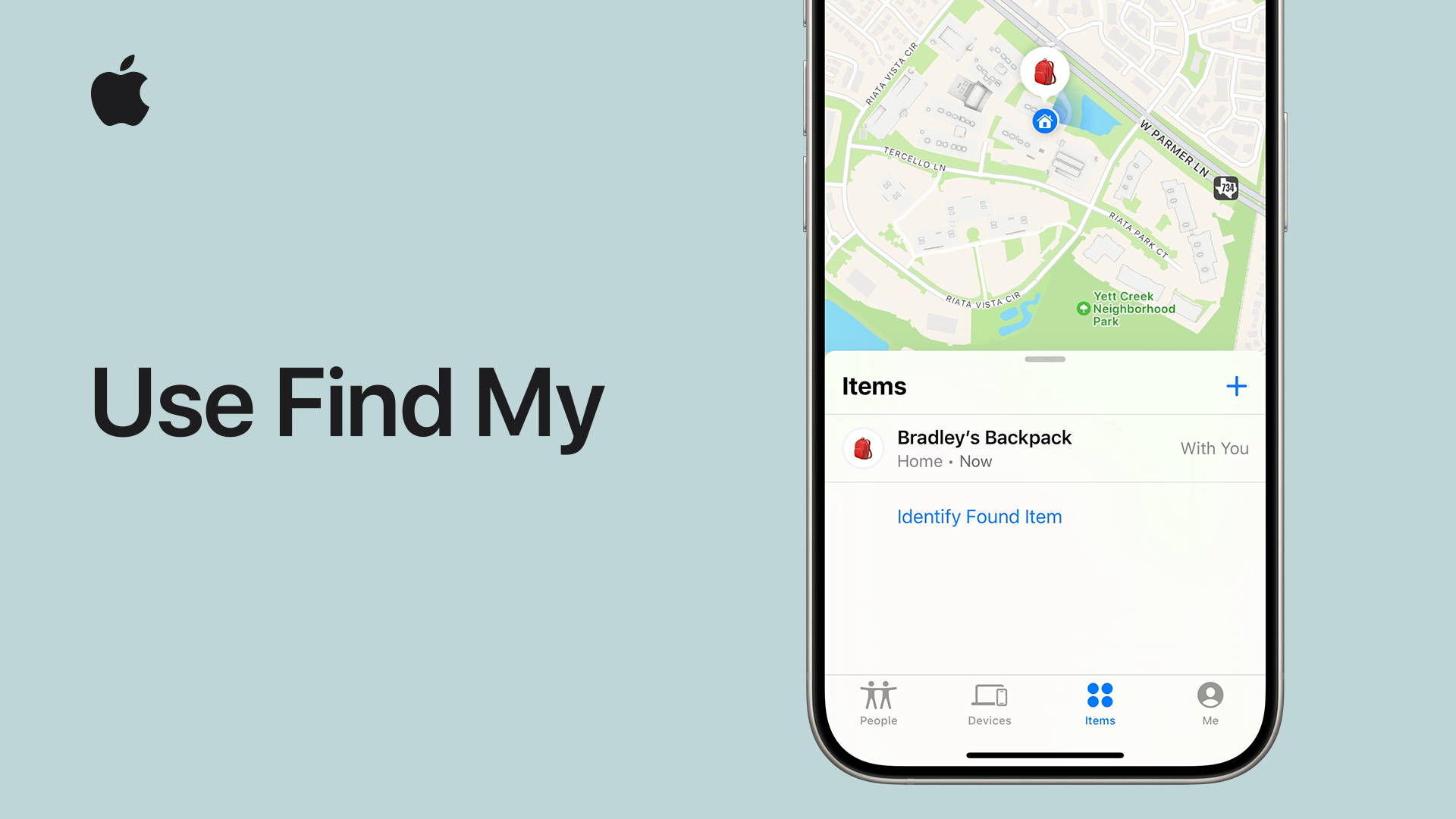
The Find My service is a vital iCloud feature that helps users locate their Apple devices and even share their location with trusted contacts.
Sub-categories
Find My iPhone, Find My Mac, and Find My Friends were unified into one app called Find My.
How it finds lost or stolen devices
It can track lost or stolen devices using Bluetooth signals that nearby Apple devices pick up and securely relay to Apple servers. Devices can be remotely locked, wiped, or put into "Lost Mode."
Offline access
Even when offline, Find My can often locate devices through the "crowd-sourced" location network.
Privacy and Security
Privacy and security are emphasized: location data is encrypted end-to-end, ensuring only the owner can access it.
Fun facts
Its tragic introduction
Steve Jobs personally introduced iCloud at Apple’s Worldwide Developers Conference (WWDC) in June 2011, just a few months before his passing.
iClou's failed ancestor
Before iCloud, Apple had a service called MobileMe, which was widely considered a failure. iCloud was designed to replace and fix MobileMe’s problems.
It learns about you
iCloud Photos uses on-device machine learning to recognize people, places, and objects in your photos without sending that information back to Apple's servers.
Sharing is caring
Family Sharing in iCloud lets up to six people share iCloud storage, app purchases, and subscriptions — each with their own private accounts.